
Eliminate Passwords. Embrace Passwordless.
3–4 minutes read
Passwords were never designed for today's threats
Passwords are one of the weakest parts of modern business security. They can be guessed, stolen, reused across multiple accounts or captured through phishing. They are also frustrating for users and expensive for IT teams to manage.
Passwordless authentication offers a different approach: secure access without relying on traditional passwords. Instead of asking users to remember another complex password, passwordless authentication uses stronger methods such as Microsoft Authenticator, biometrics and security keys.
Why are passwords a problem?
The problem isn't simply that employees choose weak passwords. Even a strong password can be compromised through phishing, credential theft or other attacks. Once an attacker obtains a password, they may try to use it to access other systems or accounts.
For businesses, this creates several problems:
- Account takeover risk
- Password-related security vulnerabilities
- Frequent password-reset requests
- Poor user experience
- Additional IT support workload
Passwordless authentication removes the password from the equation.
What is passwordless authentication?
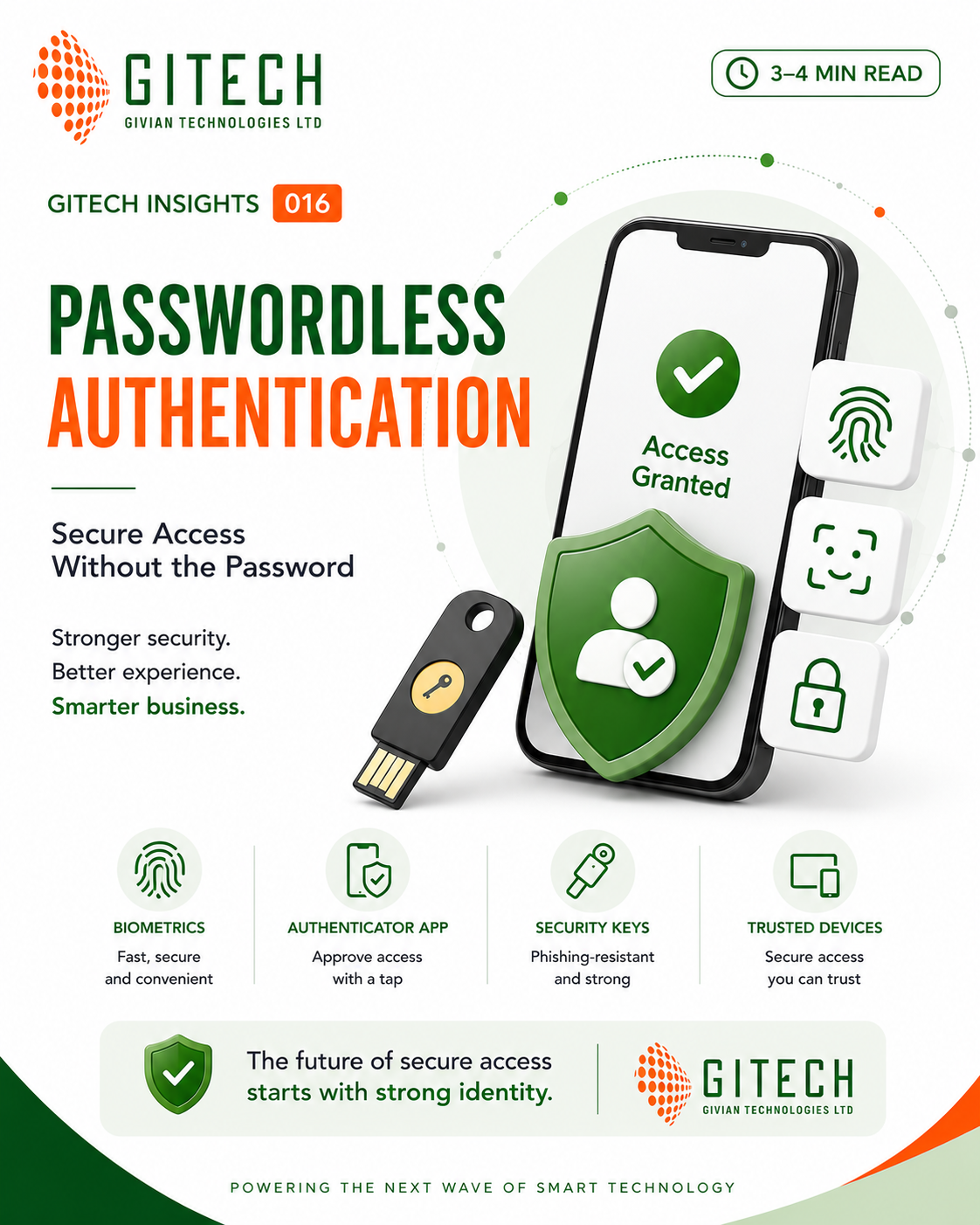
Passwordless authentication allows users to verify their identity without entering a traditional password. Depending on the environment, this can include:
- Microsoft Authenticator — approve a sign-in from a trusted device.
- Biometrics — use a fingerprint or facial recognition.
- Security keys — use a physical security key for strong authentication.
- Device-based authentication — use a trusted device as part of the authentication process.
These methods provide stronger alternatives to traditional password-based access.
How does passwordless authentication work?
The process is straightforward:
- 1User initiates sign-inThe user attempts to access an application or resource.
- 2Identity is verifiedThe organization verifies the user's identity using an approved passwordless method.
- 3Access is grantedOnce the identity is successfully verified, access is provided without requiring a traditional password.
- 4Access remains protectedControls such as Conditional Access and risk signals can provide additional protection around access.
What are the benefits for your business?
Stronger security
Passwordless authentication reduces dependence on credentials that can be stolen or phished.
Better user experience
Users don't have to remember or repeatedly enter complex passwords.
Lower IT support workload
Fewer password-reset requests can reduce the workload placed on IT support teams.
Improved productivity
Employees spend less time dealing with password problems and more time working.
Supports Zero Trust
Passwordless authentication can strengthen identity security and support a modern Zero Trust approach.
How do you make the switch?
Moving to passwordless doesn't have to happen all at once. A sensible approach is:
- Assess readiness → understand your current authentication environment.
- Plan and prioritize → identify high-risk and privileged users.
- Deploy and configure → implement appropriate passwordless methods.
- Train and adopt → help users understand and adopt the new sign-in experience.
- Monitor and improve → review usage and security insights and strengthen policies over time.
How Gitech can help
Gitech can help organizations modernize their identity and access environment through:
- Microsoft 365 passwordless implementation
- Identity and Access Management
- Conditional Access and Zero Trust
- Security awareness training
The objective is simple: stronger security, better user experience and smarter business operations.